 Blue Ye
74ad68eb7f
Blue Ye
74ad68eb7f
* Cherry pick X-Bows VIA commit

Co-authored-by: Ryan <fauxpark@gmail.com>
Co-authored-by: Drashna Jaelre <drashna@live.com>
Co-authored-by: Shulin <mumu@x-bows.com>

* Port X-Bows nature to Vial

* Port X-Bows knight to Vial

* Port X-Bows knight plus to Vial

* Port X-Bows numpad to Vial

Co-authored-by: X-Bows Tech <41098278+XBowsTech@users.noreply.github.com>
Co-authored-by: Ryan <fauxpark@gmail.com>
Co-authored-by: Drashna Jaelre <drashna@live.com>
Co-authored-by: Shulin <mumu@x-bows.com>
Ranger
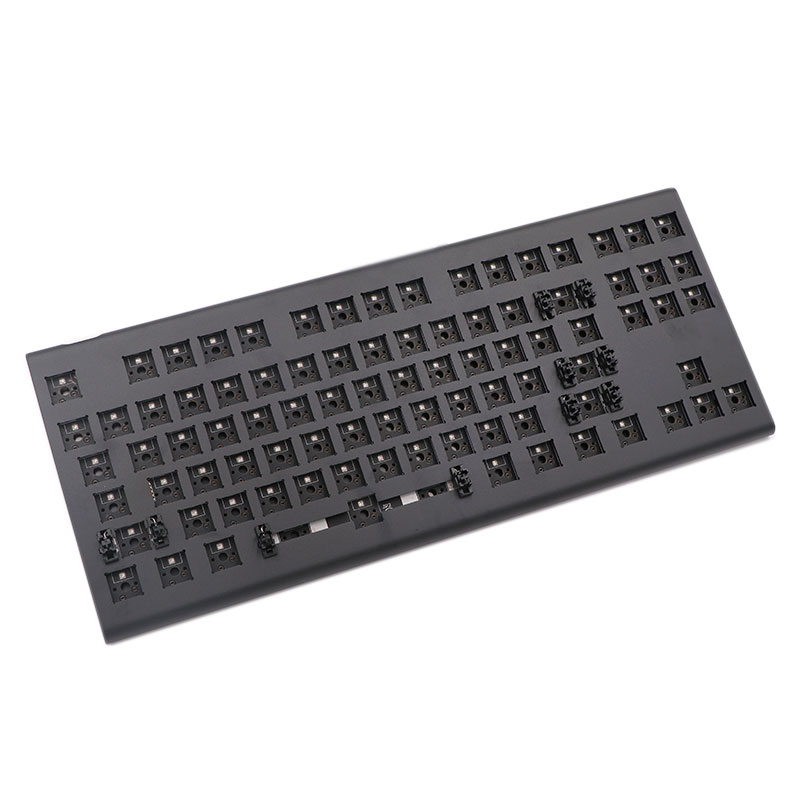
Ranger, A 87 keys keyboard with RGB backlight.
- Keyboard Maintainer: X-BOWS
- Hardware Supported: X-BOWS Ranger
- Hardware Availability: X-BOWS
Enter the bootloader in 3 ways:
- Software reset on Fn + ESC
- Bootmagic reset: hold down the top left key (usually escape) and plugin the keyboard
- Physical reset button: There is a button on the back of the PCB, please press it briefly.
Flash new firmware in 2 ways:
- Use the QMK toolbox:https://github.com/qmk/qmk_toolbox/releases
- Use the QMK MSYS:https://msys.qmk.fm/
Make example for this keyboard (after setting up your build environment):
make xbows/ranger:default
make xbows/ranger:via
Flashing example for this keyboard:
make xbows/ranger:default:flash
make xbows/ranger:via:flash
See the build environment setup and the make instructions for more information. Brand new to QMK? Start with our Complete Newbs Guide.